

September 30, 2026

Apple has identified a security vulnerability that can be addressed by ensuring your device is on the latest version of your respective operating system. This security flaw affects operating systems older than these versions:
- macOS Tahoe 26.7.1
- macOS Sequoia 15.8.1
- iOS & iPadOS 26.7.1
Devices that recently updated to macOS 27 Golden Gate / iOS & iPadOS 27 are not affected.
What do you need to do?
Whether you are using an ITS-managed or personal Apple device, make sure you:
- Confirm which operating system you are using. (Find your macOS or iOS/iPadOS version)
- If you are on an older operating system, please update your device as soon as possible. (See How to update macOS and How to update iOS/iPadOS)
ITS-managed devices that are out of compliance will receive a pop-up notification prompting you to update your operating system:

macOS notification
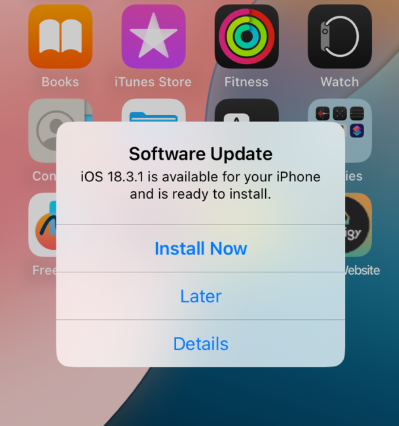
iOS/iPadOS notification
We recommend completing this prior to Friday, Oct. 2 at 7 p.m. After this time, your device will automatically reboot the next time it is powered on in order to install the update.