

This service is currently in a pilot phase. If you'd like to participate, please contact Paul Albert at paa2013@med.cornell.edu.
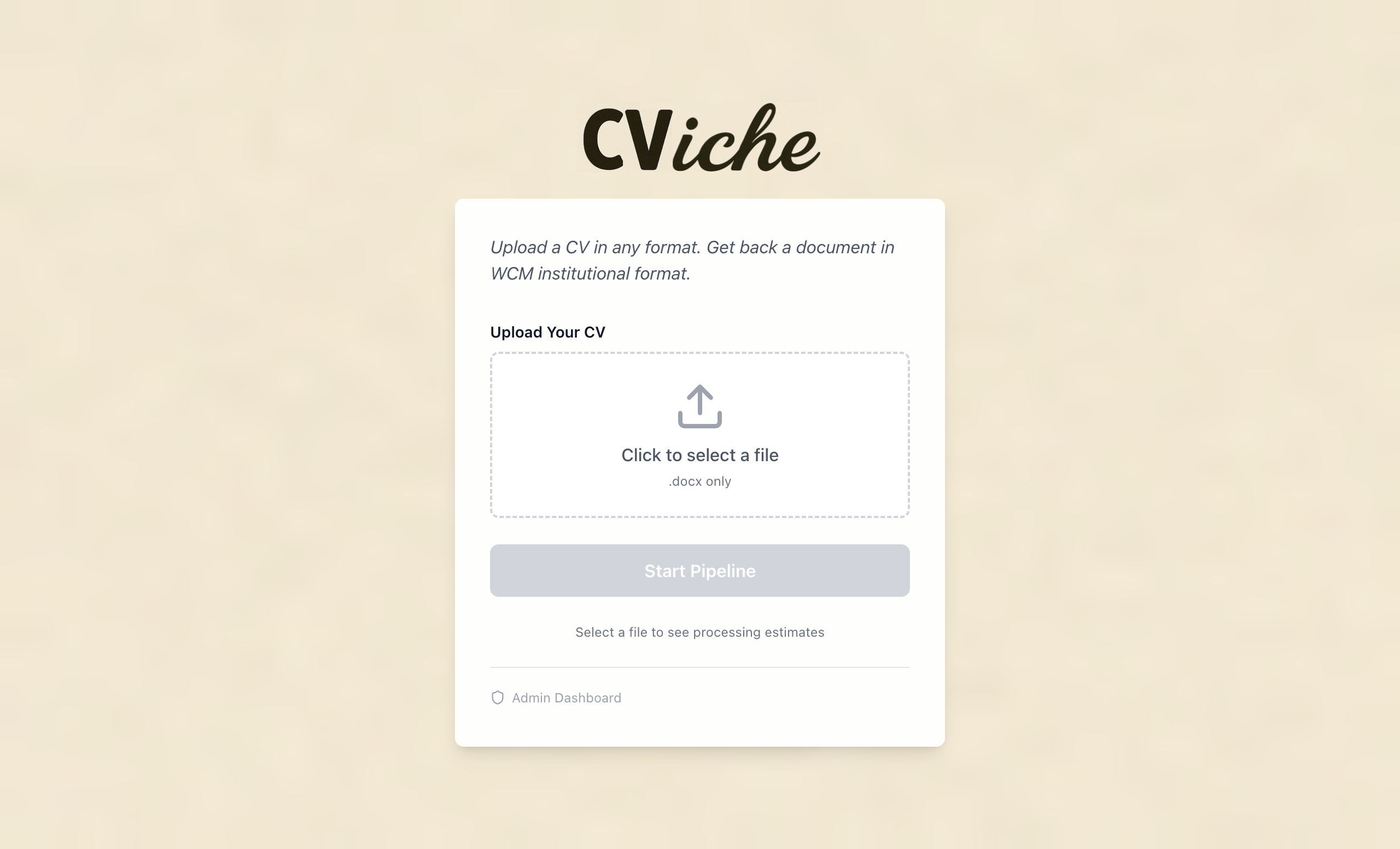
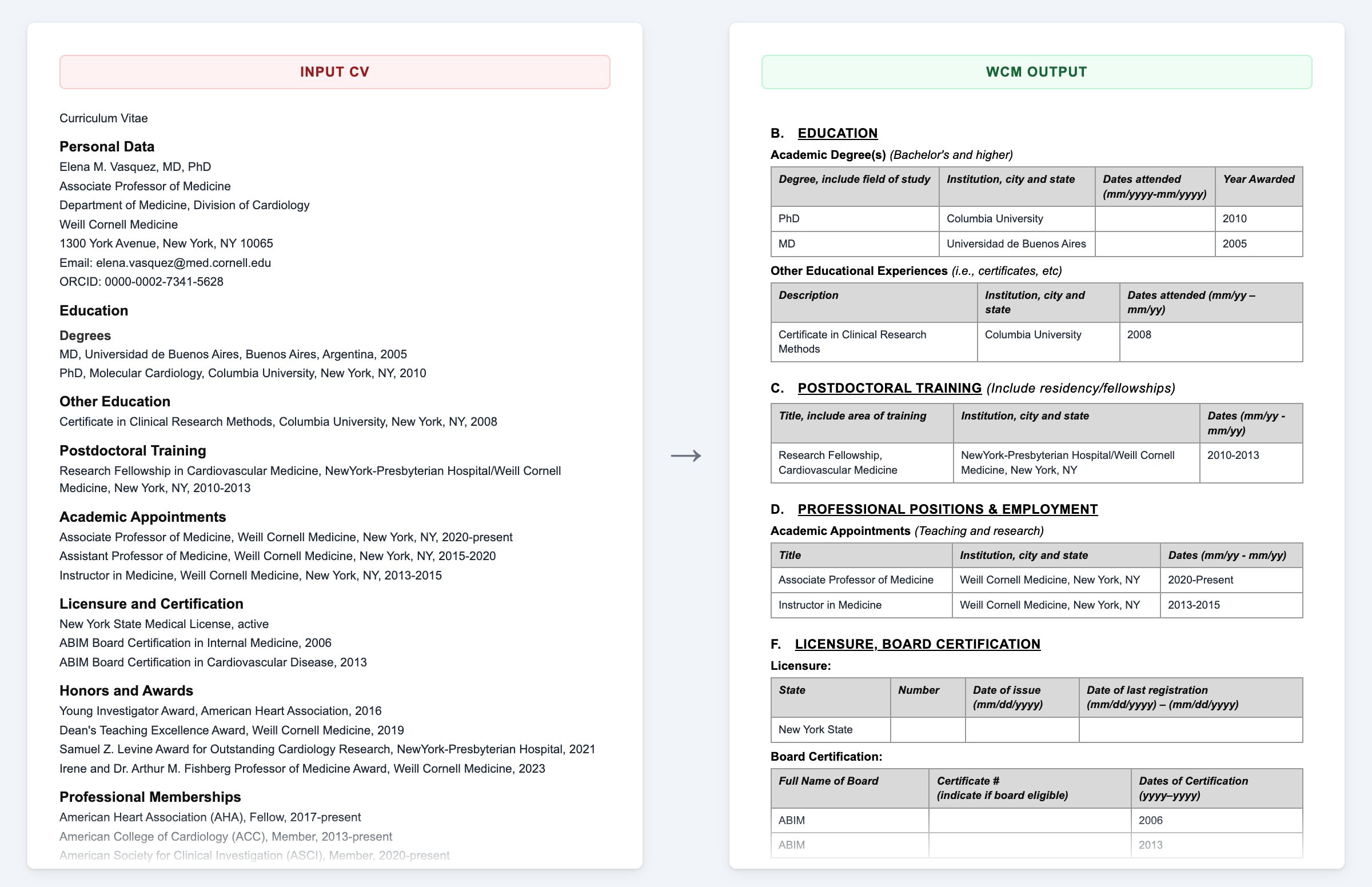
CViche helps faculty and staff convert a Word-format CV into the standard Weill Cornell Medicine institutional template. CViche uses AI to identify sections, reformat content, and enrich publication entries with PubMed metadata. CViche is accessible at cviche.weill.cornell.edu.
What's Included
CV Conversion
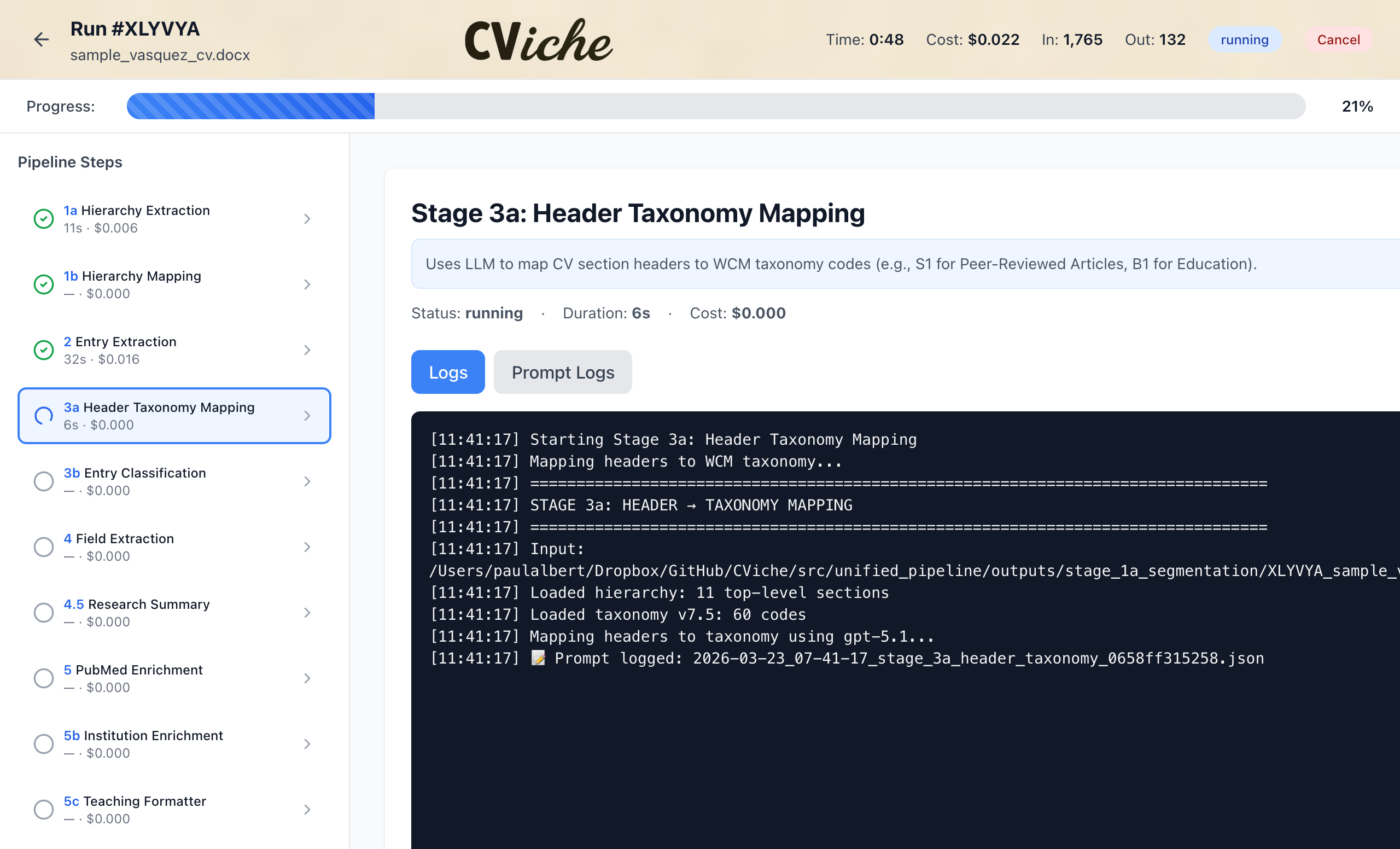
CViche accepts a Microsoft Word (.docx) CV and returns a reformatted document in the WCM institutional template. It identifies sections such as education, appointments, honors, and publications, and reorganizes them into the categories used in WCM CV submissions. Most CVs complete in 3 to 8 minutes. Visit cviche.weill.cornell.edu and click Upload CV.
Publication Enrichment
As part of each run, CViche enriches publication entries with data from PubMed, including standardized journal formatting and citation counts. This function is included automatically with every CV conversion; no separate request is required.
CV Insights
Each completed run includes a CV Insights panel summarizing what CViche extracted from your document — number of publications found, sections identified, and enrichment data added. Use this panel to confirm your content was captured correctly before submitting the CV for an official purpose.
Run History & Re-runs
Every CV you upload is preserved in your personal run history. You can re-upload the same file at any time to generate a fresh run, and you can return to a previous run to download its output or review its CV Insights. Run history is private to your CWID.
Feedback & Issue Reporting
Each run page includes a feedback form for reporting issues specific to that run (e.g., missing publications, entries in the wrong section, formatting problems). Feedback is linked to the underlying pipeline output, which is the fastest path to a fix. For general questions, contact paa2013@med.cornell.edu.
Service Requirements
CViche is intended for any WCM user with an active CWID and password. During the current pilot phase, access is granted by request, please contact paa2013@med.cornell.edu to be added. Once general availability is reached, all CWID holders will be able to log in directly. Use of CViche requires that your CV be in Microsoft Word (.docx) format and that you log into the WCM VPN if accessing the service offsite. CV content is sent to OpenAI for AI processing; do not include sensitive personal information such as Social Security numbers or dates of birth.