For Epic Cheers go-live support, please contact NYP IS at
nypres.service-now.com/nyp-portal
or 212-746-4357
Why do I see a pop-up blocker error message when I click on a tile in My Workspace?
You may receive the following error if you are in the Weill Business Gateway (WBG) while using Internet Explorer 11:
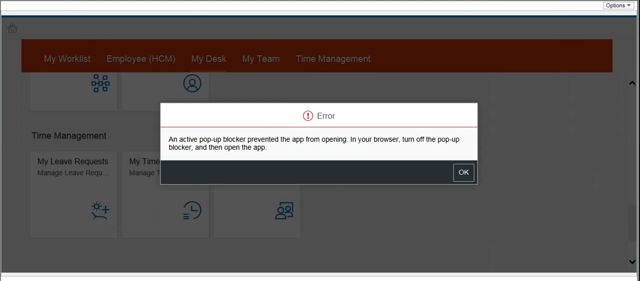
This may appear if you click on the following tiles: Learning, Careers, My Dashboard, Recruitment, or Admin Center. To avoid this issue, please sign into WBG via myApps by going to myapps.weill.cornell.edu, signing in with your CWID and password, clicking the WBG icon, and then launching the My Workspace tab.